
Google Play Music is in the slow process of being shut down with the company looking to migrate all of the users over to YouTube Music instead. As a result, Google Play Music users will need to take a moment to transfer their libraries and settings from one service to the other, and here’s how.
Google has a tendency to rename, rebrand, or completely shut down services and Google Play Music is next on the chopping block. Although the company officially announced this change some time ago, it has continued to keep both services operating alongside each other since then, providing users with the option to choose which service they want to use. However, the closure of Google Play Music is getting close, and even though Google has yet to state exactly when the music streaming service will shut down (other than “later this year), the process of winding down Google Play Music did take another step forward recently.
Via the YouTube blog, Google recently explained how it is now letting Google Play Music users transfer their music streaming setup over to YouTube Music. This will be an important step for users, as this is not only in regards to music libraries, but also streaming preferences, playlists, likes and dislikes, and so on. Essentially, everything that’s related to a user's Google Play Music experience can now be directly exported over to YouTube Music. Once done, consumers will be able to immediately start using YouTube Music without having to worry about any loss of personalized data later down the line.
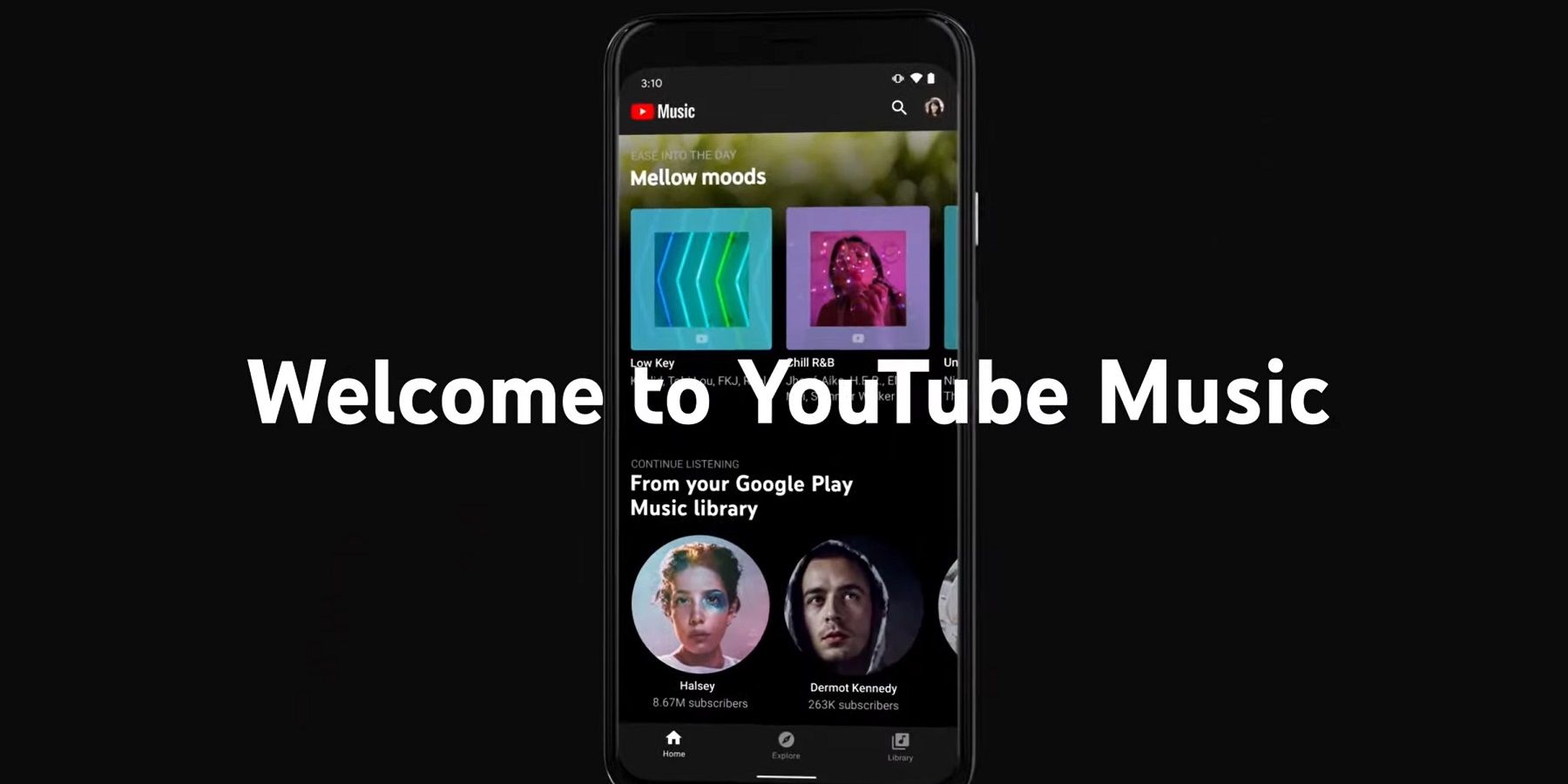
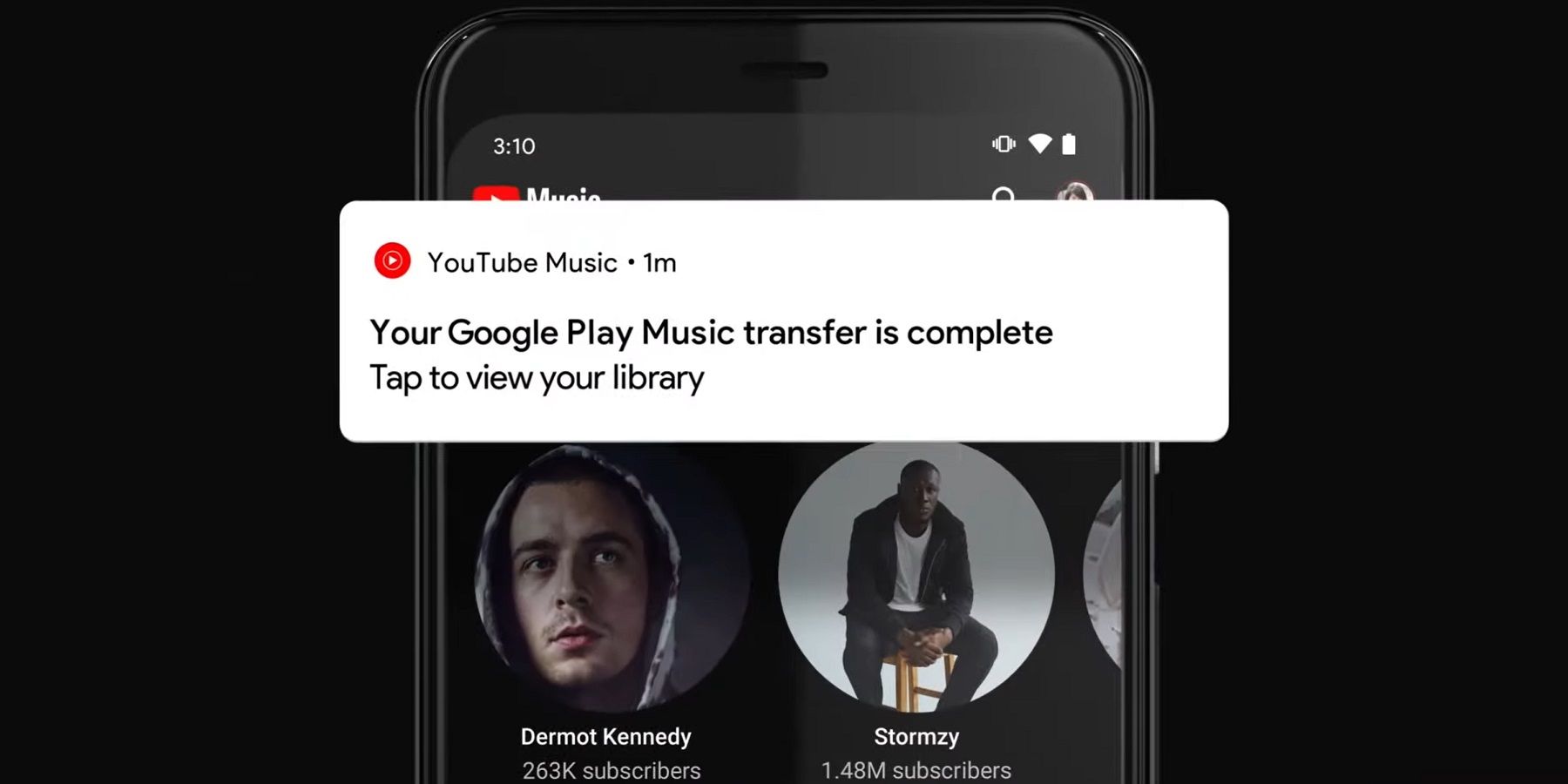
As part of the announcement, Google was keen to highlight just how easy it has made the transfer process, and that’s true. Basically, the main thing Google Play Music users will need to do is download the YouTube Music app from the App Store or Google Play. Once downloaded and launched, the latest version of the app should immediately show a prompt offering to "transfer your Play Music library." If the proposal is accepted (by following the on-screen instructions), then depending on the size of the library, the transfer could take some time. However, there's no need to remain in the app during the transfer process as this will take place in the background - the user will receive a transfer is complete notification once it has finished. Once complete, the full Google Play Music library, along with preferences, settings, and everything else, will be accessible through the YouTube Music app.
While this is likely to be an inconvenience to current Google Play Music users, there’s little choice about the situation. Google is planning to shutter Play Music by the end of this year and users will run the risk of losing their settings and preferences if they have not transferred the data by then. Of course, that is still some months away from happening, and in the meantime Google plans to keep both services running. In other words, for those that don't want to transfer right now, they don’t have to. However, Google is positioning YouTube Music as a smarter solution and so it might be worth making the switch sooner rather than later to give yourself time to get used to the new design and features, including the ability to search for songs by lyrics alone.
Source: YouTube
from ScreenRant - Feed https://ift.tt/3dz8Izo


0 Comments